

Reprint Lost CNIC or NICOP Easily via PakID App
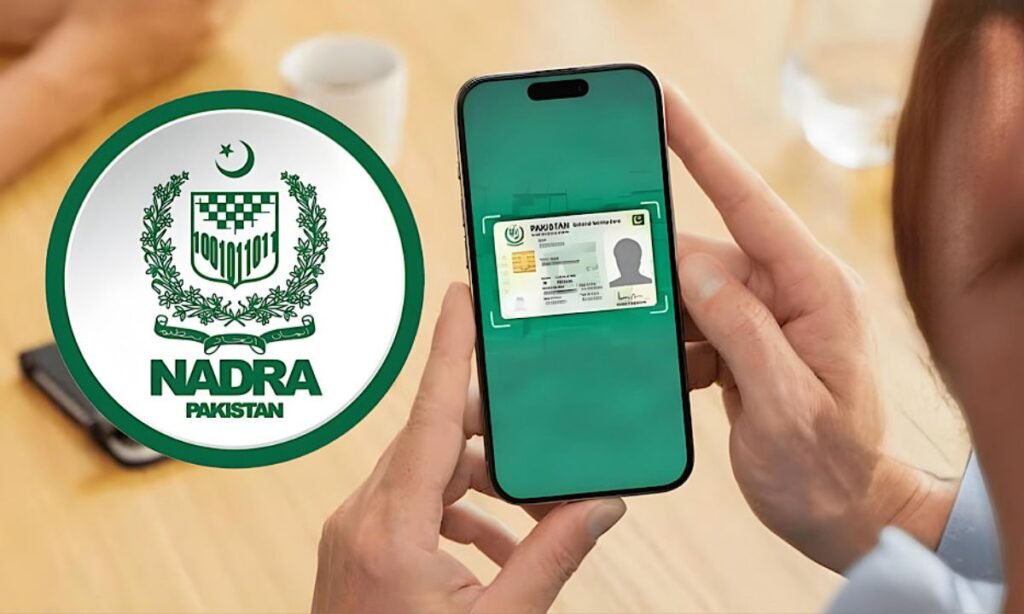
NADRA has updated the process for reprinting lost CNICs and NICOPs, allowing citizens to apply easily through the PakID app.
Citizens can now apply for a reprint from home using the PakID app. Users need to open the app, register, log in, and submit their application.
To apply, download the PakID app and log in to your account. Navigate to the ID Documents section and select the ID Card option.
Choose “Myself” to apply for your own CNIC or NICOP, or “My Blood Relatives” for a family member, including parents, spouse, siblings, or children.
Enter the CNIC number of the applicant, who must be physically present during the process.
Red More: Jobs Open at NADRA Offices in Islamabad, GB
Next, click “Reprint” and review the application details. In the Card Delivery Address section, provide the address for receiving the reprinted card.
Applicants may select a NADRA Centre or another preferred address.
Choose the processing category: Executive (7 days), Urgent (12 days), or Normal (30 days). Click “Start Application” to reach the Supporting Documents screen.
Upload your passport if applying for a NICOP; CNIC reprints do not require documents. After submission, a confirmation message will appear.
Pay the required fee when prompted, and NADRA will deliver the CNIC or NICOP to the provided address within the selected processing time.