

Step-by-Step: How to Apply for a Pakistan Passport Online
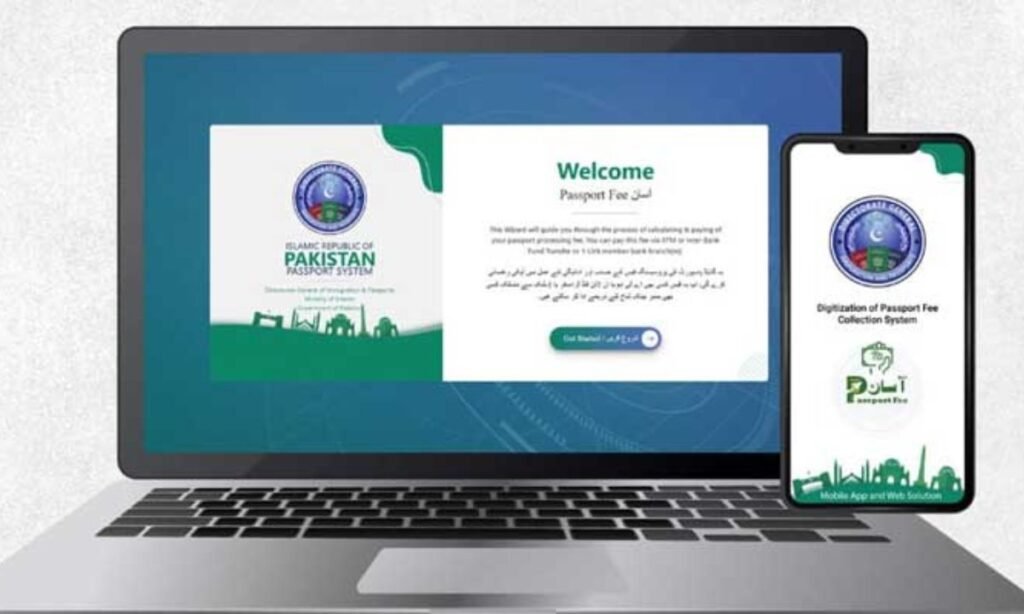
The Directorate of Immigration and Passports has launched an online passport application through the e-Services Portal to help citizens avoid long queues.
To start, visit the official portal at www.onlinemrp.dgip.gov.pk and choose the online passport renewal or application option.
If you already have a registered account, click the Login button and sign in using your email and password.
New users should click Register, complete the registration form with required details, and provide a correct mobile number and email address.
After submitting details, type the verification code, click Next, and await a verification link sent to the registered email account.
Click the email verification link, enter the verification code received, and complete the registration before logging in.
Once logged in, select from the five available application options that match your requirement and proceed to the relevant form.
Read More: How to Complete Vehicle Transfer Verification via Pak ID App
Note that online passport renewal is allowed only when the passport has less than one year of validity remaining.
Major changes such as name or occupation updates cannot be processed through the online system.
Choose your nearest passport office from the drop-down menu to minimise travel if an in-office visit becomes necessary.
Upload the required photograph for men and women as explained in the video, ensuring the file does not exceed 1 MB in size.
All documents and photos must be uploaded in PNG, JPG, or JPEG formats to complete the online submission.