

NADRA Explains How to Change Age on B-Form
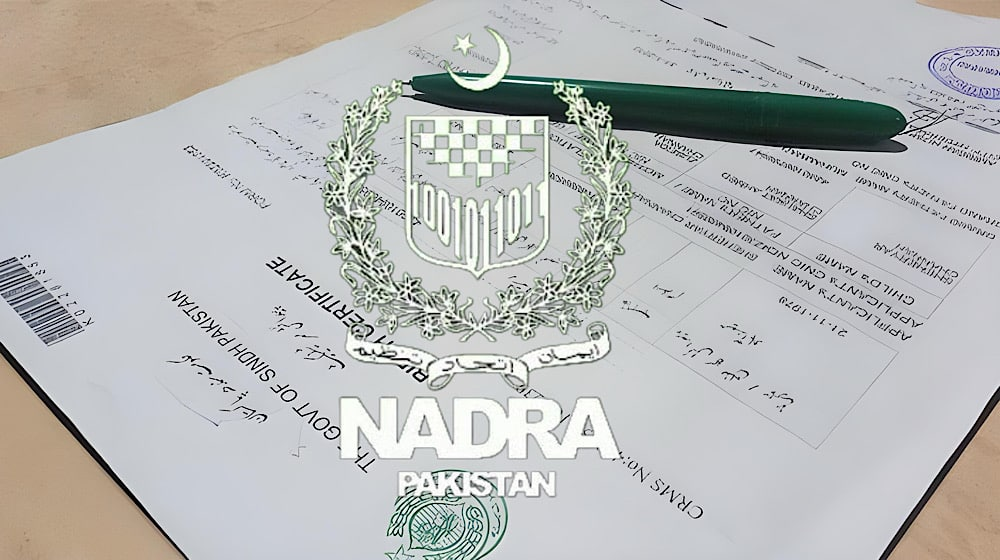
The National Database and Registration Authority has introduced a facility allowing citizens to increase or decrease a date of birth on B-Form records.
Also known as the Child Registration Certificate, the B-Form is mandatory for passports, school admissions, and international travel for children.
NADRA has updated its system to allow parents to apply for a B-Form through the Pak-ID mobile application without visiting registration offices.
The authority said the online process simplifies registration by eliminating long queues and reducing the need for in-person visits.
NADRA has also clarified the procedure for correcting a child’s date of birth on the B-Form.
Responding to a query, the authority said B-Forms issued on computerized birth certificates require correction by Union Council.
Read More: Jobs Open at NADRA Offices in Islamabad, GB
Once the Union Council updates the record, the corrected information can be used to amend the B-Form.
Alternatively, citizens may visit the nearest NADRA Registration Center for age correction by presenting valid proof of the correct date of birth.
NADRA said documents include travel documents, educational certificates, service records, or medical records, urging verification to avoid delays.
How to Change Age on B-Form (CRC)
- Log in to your Pak-ID account or create a new one
- Click on “Apply Now” and select “Issuance of Identity Document”
- Choose “Identity Card” and select “Child Registration Certificate (CRC)”
- Enter the 13-digit CNIC number to start the application
- Review the prefilled information and select processing priority
- Upload the child’s photograph and provide a digital signature
- Enter the child’s details and upload required documents
- Verify the fingerprints of one parent
- Review and submit the application
- Download the B-Form directly from the Pak-ID mobile application