

Pakistan 5G Phones Guide 2026: How to Check if Your Device Supports 5G
Pakistan has launched 5G services the consumers are looking how to check if their device supports 5G internet services. While the excitement is building, many users are asking a critical question: Will my phone support 5G in Pakistan?
The reality is simple—not every smartphone can connect to 5G, even if it’s relatively new. Compatibility depends on both hardware support and network bands used by local carriers.
Read More: Zong launches 5G in 16 Pakistani cities
This guide explains everything you need to know, from checking your phone settings to verifying compatibility using IMEI and official specs.
Key Takeaways
Q1: Will all new phones support 5G in Pakistan?
No. Only devices with 5G hardware and compatible frequency bands will work.
Q2: How can I quickly check if my phone supports 5G?
Go to Settings → Mobile Network → Network Mode and look for 5G options.
Q3: Do all iPhones support 5G?
No. Only iPhone 12 and newer models support 5G (not iPhone 11).
Q4: Can a 5G phone fail to work in Pakistan?
Yes. If it doesn’t support local 5G bands, it may not connect.
Q5: Can software updates enable 5G?
In some cases, yes—but only if the hardware already supports it.
How to Check 5G Support on Your Phone
1. Check Phone Settings (Fastest Method)
This is the easiest and quickest way to verify compatibility.
Steps:
- Open Settings
- Tap Network & Internet or Connections
- Select Mobile Network
- Tap Preferred Network Type / Network Mode
If you see:
- ✅ 5G / 4G / 3G
- ✅ 5G Auto
- ✅ 5G Only
👉 Your phone supports 5G.
If you only see:
- ❌ 4G/LTE or lower
👉 Your phone does not support 5G.
2. Don’t Rely Only on the Phone Name
Many Android brands include “5G” in the model name:
- Samsung Galaxy A52s 5G → Supports 5G
- Samsung Galaxy A07 4G → Does NOT support 5G
However, this is not always reliable, especially with regional variants.
3. Check Official Specifications Online
For accurate verification, use trusted sources.
Steps:
- Go to Settings → About Phone
- Note your model number
- Search: “[Your phone model] specifications”
Trusted sources:
- Official brand website
- GSMArena
- Pakistan Telecommunication Authority updates
- Tech portals like TechJuice
👉 Look under the Network section. If it lists 5G bands, your device supports it.
4. Use IMEI Compatibility Check (Most Accurate)
Every phone has a unique IMEI number.
How to find it:
- Dial:
*#06# - Or go to Settings → About Phone
Then check using:
- IMEI Info
Why this matters:
Some phones support 5G globally but not Pakistan’s specific frequency bands. This step confirms real compatibility.
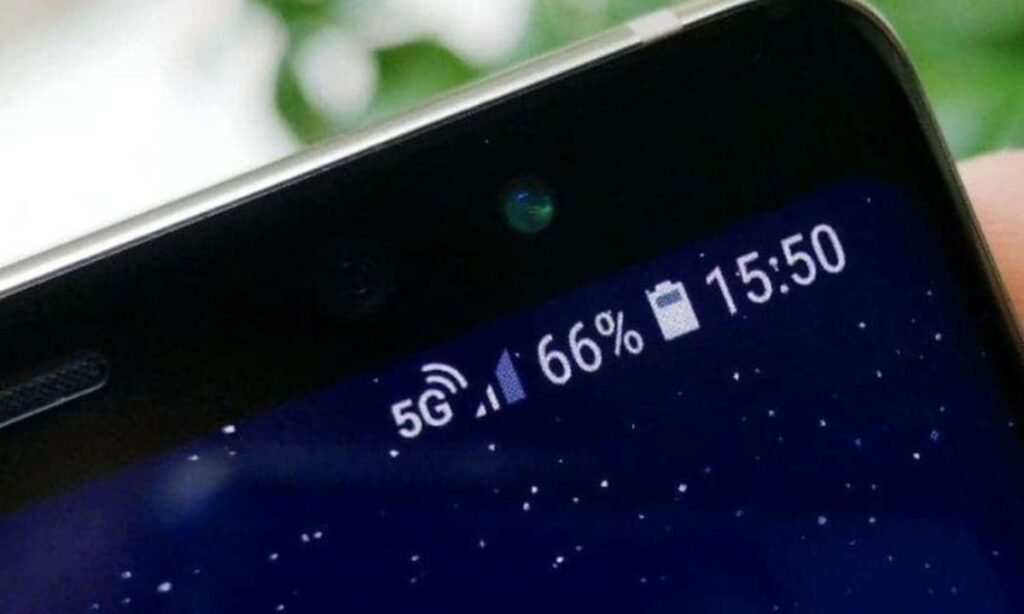
5. Look for the 5G Icon
When you’re in a coverage area, your phone may show a 5G symbol in the status bar.
👉 But keep in mind:
- No icon ≠ no support
- Coverage may not be available yet
- 5G could be disabled in settings
- Carrier restrictions may apply
📡 Understanding 5G Compatibility in Pakistan
Pakistan’s upcoming 5G rollout will depend on specific frequency bands allocated by regulators.
Key Factors That Affect Compatibility
| Factor | Why It Matters |
|---|---|
| Device hardware | Must include a 5G modem |
| Supported bands | Must match Pakistani carriers |
| Software updates | May enable 5G later |
| Carrier approval | Required for activation |
👉 According to global trends and regulator planning, Pakistan is expected to use mid-band spectrum (e.g., 3.5 GHz)—but final allocations will be confirmed by authorities.
How to Confirm Your Phone is 5G Ready
- Open Settings and check network mode
- Confirm model number in About Phone
- Search official specs online
- Verify bands using IMEI check
- Update your phone software
- Insert a 5G SIM (when available)
- Check for 5G signal in supported areas
💡 Expert Insight: Why Some “5G Phones” Still Won’t Work
As a telecom analyst, one of the most common issues I’ve seen is false expectations around 5G compatibility.
👉 Think of 5G like a radio station:
- Your phone = radio
- 5G bands = frequencies
- Network = broadcast
Even if your “radio” supports FM, it won’t work if it can’t tune into the exact frequency being used locally.
Real Example
A user imports a 5G phone from another country:
- Device supports US bands only
- Pakistan uses different frequencies
➡️ Result: No 5G connection, despite having a 5G phone.
❓ Final FAQs
1. Will 4G phones work after 5G launches?
Yes. 4G will continue to operate for years.
2. Do I need a new SIM for 5G?
Possibly. Some carriers require 5G-enabled SIM cards.
3. Is 5G available everywhere in Pakistan?
No. Initial rollout will likely focus on major cities.
4. Does 5G drain battery faster?
Yes, slightly—especially in early deployments.
5. Should I upgrade my phone now?
Only if your current device is outdated or lacks 5G support.
Conclusion
As Pakistan prepares for its 5G rollout, checking your phone’s compatibility is essential. Not all devices are ready, and even some 5G phones may not work due to band limitations.
Follow the steps in this guide—especially the IMEI and specification checks—to avoid disappointment.
👉 Action Step: Check your phone today and ensure you’re ready to experience Pakistan’s next-generation mobile network as soon as it launches.